MARKETPLACE
PLUGINS
CAROUSEL PRO FOR REPEATING GROUPS
Carousel Pro for Repeating Groups logo

Carousel Pro for Repeating Groups

Published May 2026
   •    Updated May 2026

Plugin details

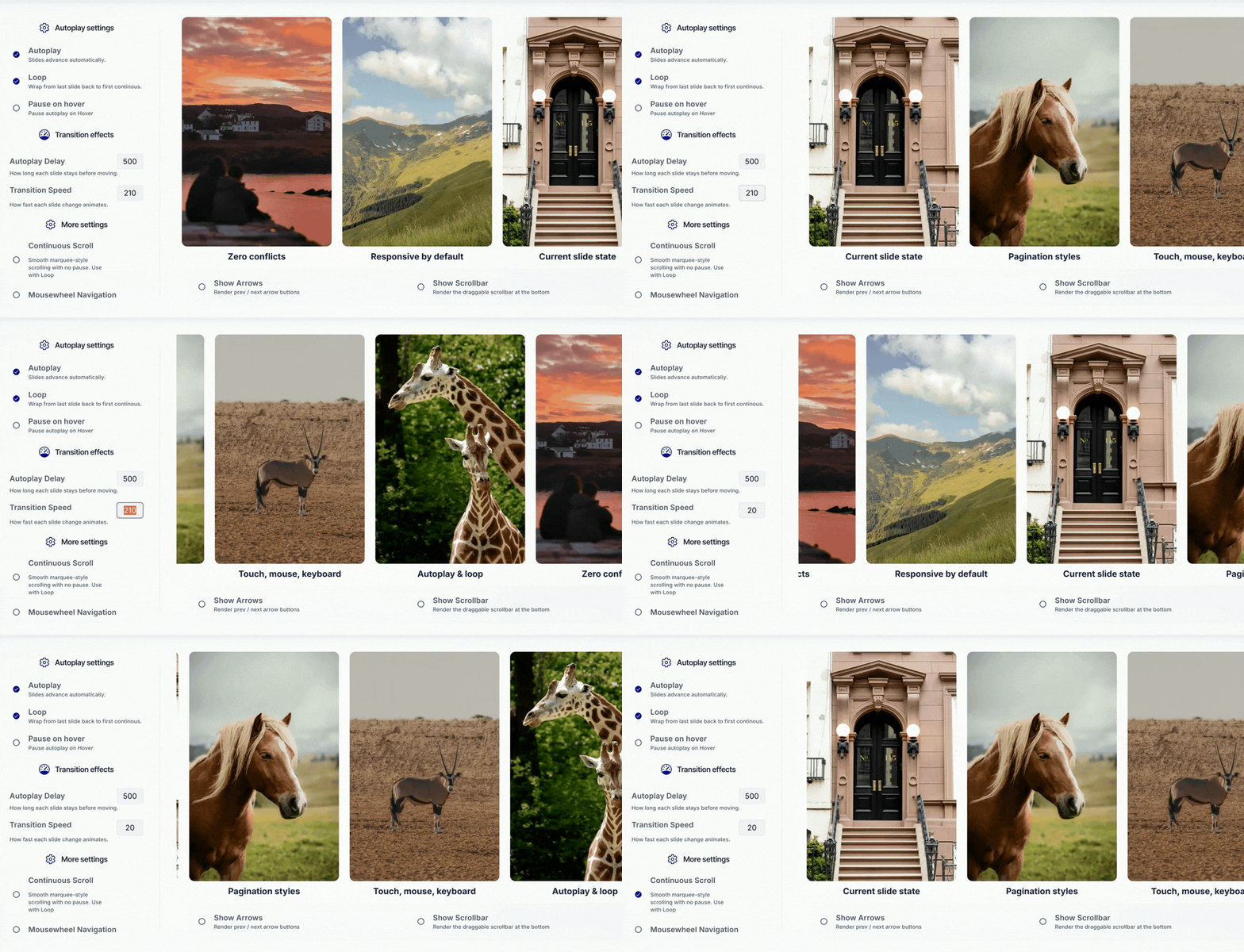
RG Swiper wraps any Bubble Repeating Group with Swiper.js - 10+ effects, autoplay, touch, keyboard, and full styling control. Just drop the plugin and reference your RG ID.



⚡ Main Functions

Easy setup - wraps any Bubble Repeating Group into a Swiper.js carousel. Just reference the RG by its HTML ID.

10+ visual effects - Slide, Fade, Cube, Coverflow, Flip, Flip Vertical, Cards, Slide In, Rotate, Tunnel, and a fully customizable Creative effect.

Horizontal & vertical - every effect supports both orientations where it makes sense.

Smart autoplay - continuous linear mode, configurable delay, reverse direction, pause on hover, and pause on click. Perfect for testimonial rotators and logo marquees.

Loop with auto-cloning - works seamlessly even with just 2 or 3 cells in your Repeating Group.

Multi-input control - touch swipe, mousewheel scroll (with optional invert), keyboard arrows, navigation buttons, and a draggable scrollbar. Each toggleable independently.

Four pagination styles - bullets, dynamic bullets, fraction (1/5), and progress bar. Fully styled with color and size options.

Reactive slide state - current slide index exposed as a numeric state. Drive workflows, change content, and sync other elements on every slide change.

Fully customizable styling - arrow color/size, pagination color/size, scrollbar color, space between slides, perspective depth, cube and coverflow shadows, flip rotation limits, card stacking, and full creative-effect translate/rotate/opacity values.

⚡How it works:

1. Identify. The plugin finds your Repeating Group through its HTML ID Attribute.

2. Wrap. It transforms the RG markup into a Swiper

3. Animate. Swiper.js handles every transition, gesture, and effect with hardware-accelerated 3D transforms.

4. Sync. All exposed states and visual elements refresh instantly on every slide change, with no workflows or custom code required.

$30

One time  •  Or  $4/mo

stars   •   0 ratings
1 installs  
This plugin does not collect or track your personal data.

Platform

Web & Native mobile

Contributor details

Viorica Foca logo
Viorica Foca
Joined 2024   •   4 Plugins
View contributor profile

Instructions

📌 Setup Steps
1. Enable Input IDs in Bubble — go to Settings → General → enable the "Expose the option to add an ID attribute to HTML elements" option.

2. Add an ID Attribute to your Repeating Group (e.g., testimonials_rg
).

3. Add the Carousel Pro plugin element on the page — it is invisible at runtime, place it anywhere.

4. Set the repeating_group_id
field to match the ID of your Repeating Group (no # symbol, no spaces).

5. Choose your effect: Slide
, Fade
, Cube
, Coverflow
, Flip
, Flip Vertical
, Cards
, Slide In
, Rotate
, Tunnel
, or Creative
.

6. Set the direction (horizontal
or vertical
) and configure core options: loop
, autoplay
, autoplay_delay
, animation_duration
, first_slide
.

7. Enable optional UI: show_arrows
, show_pagination
, show_scrollbar
, and pick a pagination_type
(bullets, dynamic, fraction, or progressbar).

8. Configure interaction: allow_touch_events
, mousewheel_control
, keyboard_control
, grab_cursor
, pause_on_mouse_enter
, pause_on_click
.

9. Use the exposed state in workflows: current_slide
(1-based index of the active slide) — perfect for triggering workflows on slide change, syncing other elements, or showing dynamic content per slide.


Support

📧 Direct contact

[email protected] - for setup help, bug reports, and questions.

Types

This plugin can be found under the following types:

Categories

This plugin can be found under the following categories:
Technical   •   Video   •   Data (things)   •   Image   •   Media   •   Visual Elements

Resources

Support contact
Documentation
Tutorial

Rating and reviews

No reviews yet

This plugin has not received any reviews.
Bubble